
Policy relevance
Keep the learning connected to approved source material.
Policy-based compliance learning
OkayLoop converts approved policies into short, role-specific lessons, delivers targeted campaigns, and shows where comprehension breaks down.
Start with one approved policy and a defined audience.
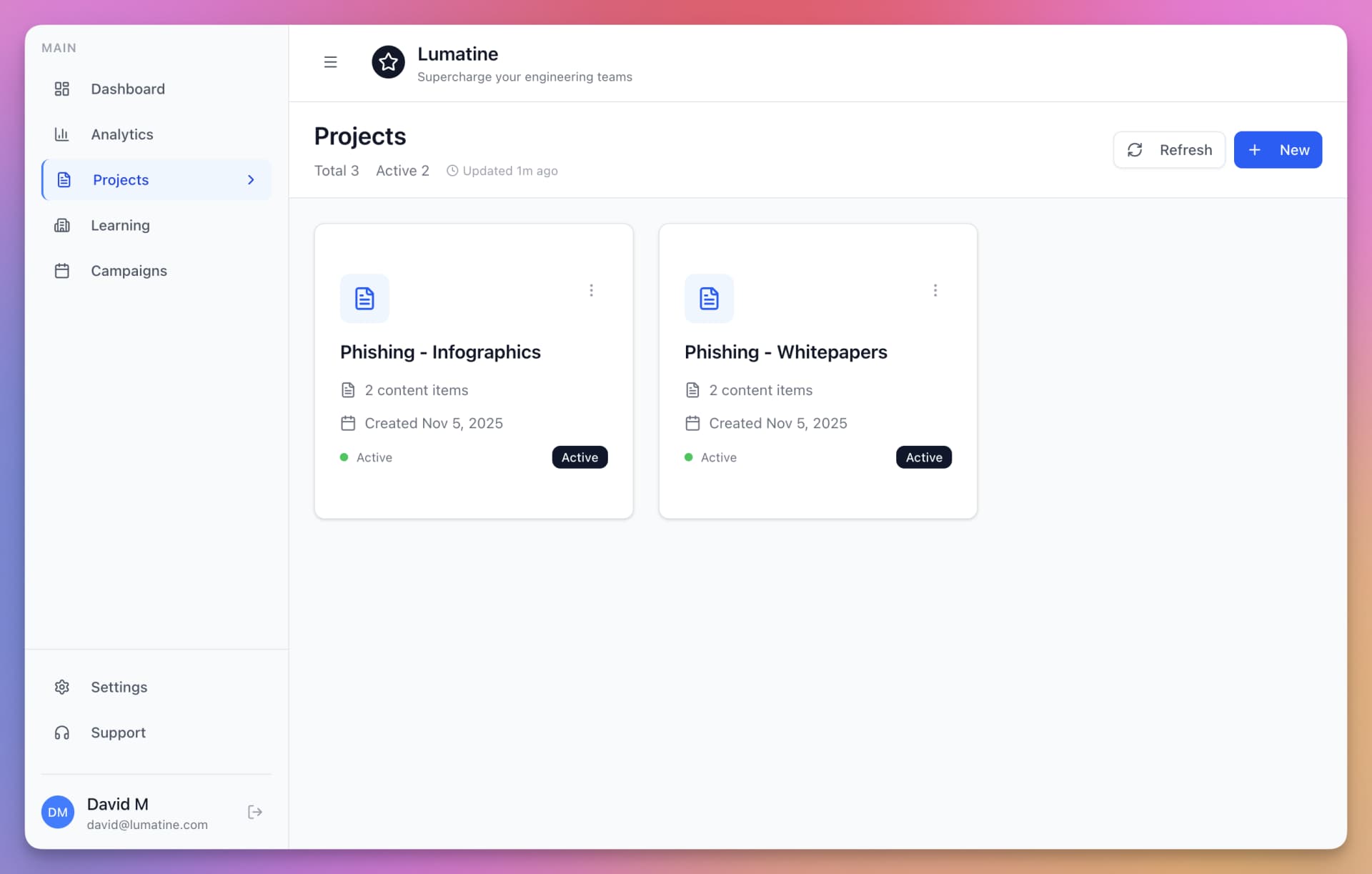
The program gap
Generic courses can leave program owners guessing whether training reflects the current policy, fits each role, or addresses the questions people missed. OkayLoop keeps the learning program connected to the policy and the participant response.
Keep the learning connected to approved source material.
Give each defined audience the context it needs.
Let a program owner inspect and edit the lesson first.
Use participant responses to guide follow-up.
How it works
Keep policy owners in control from first draft through participant results.
Select the policy, procedure, or guideline a defined audience needs to understand.
OkayLoop turns policy content into short learning material and practical questions.
A program owner reviews the content, makes edits, and selects the relevant audience.
Review participant results and comprehension signals to see which concepts need clarification.
Verified capabilities
Policy-based lesson creation
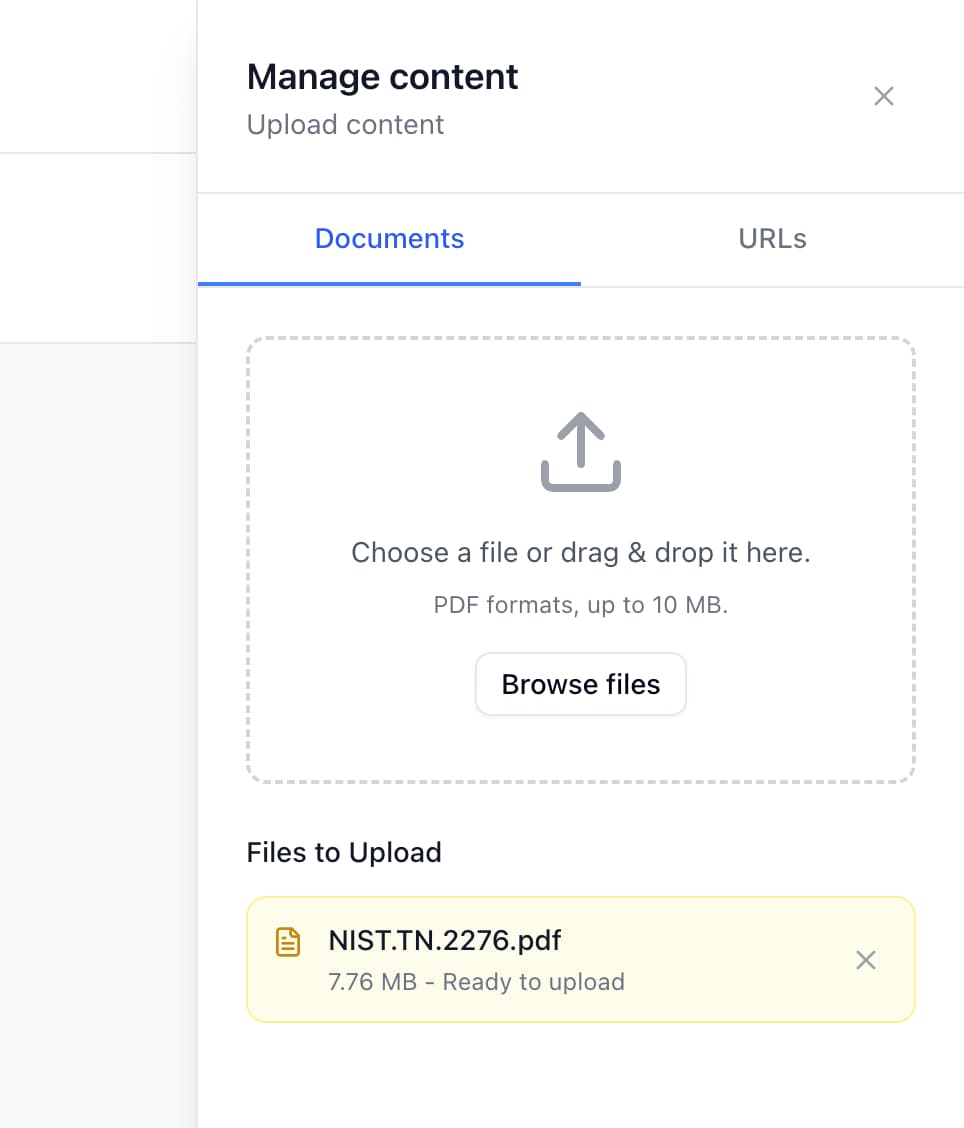
Select the policy, procedure, or guideline that should shape the lesson. OkayLoop creates a draft from that source rather than starting with a generic course catalog.
Human review
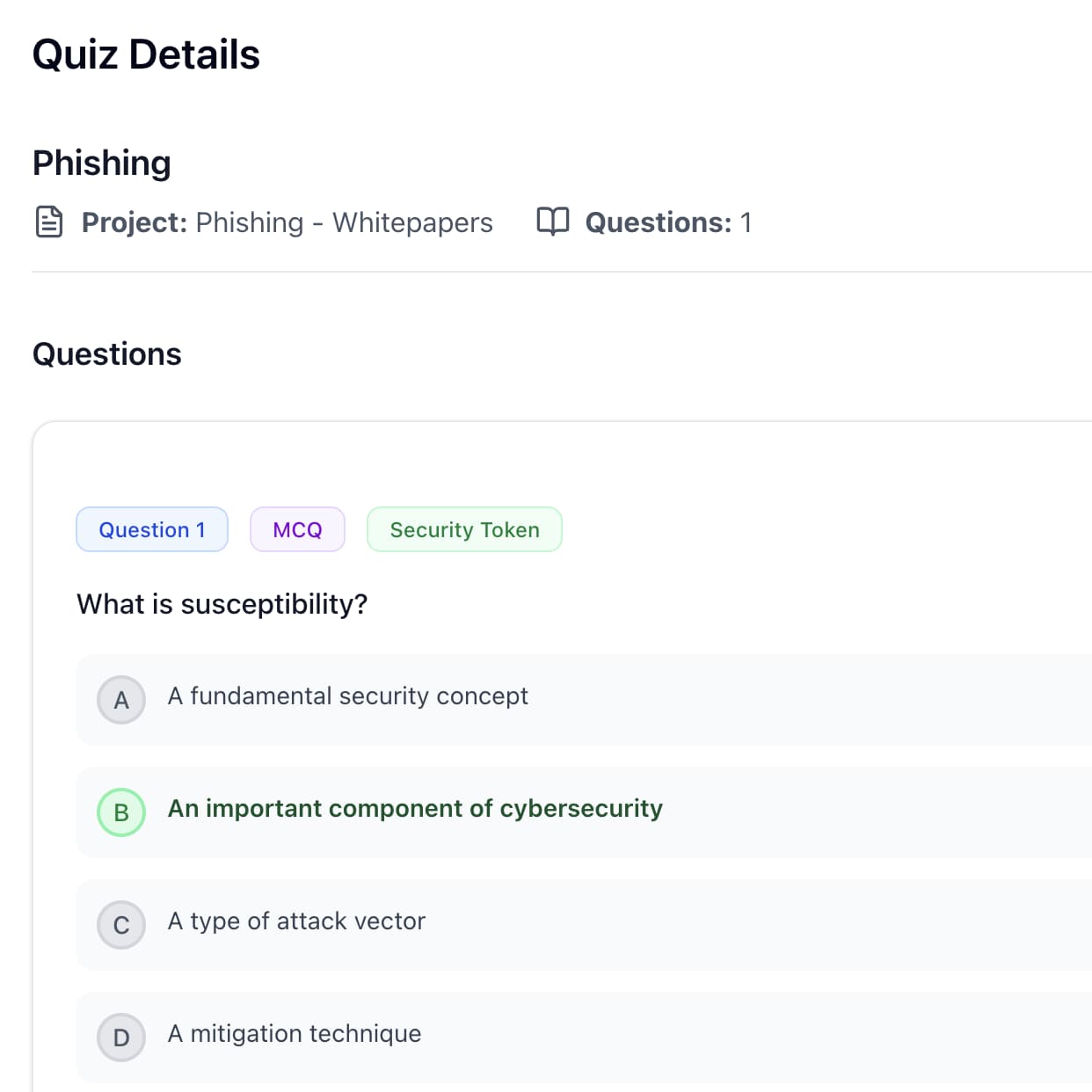
A program owner can review generated learning content and questions, make edits, and decide when the material is ready for assignment.
Targeted campaigns
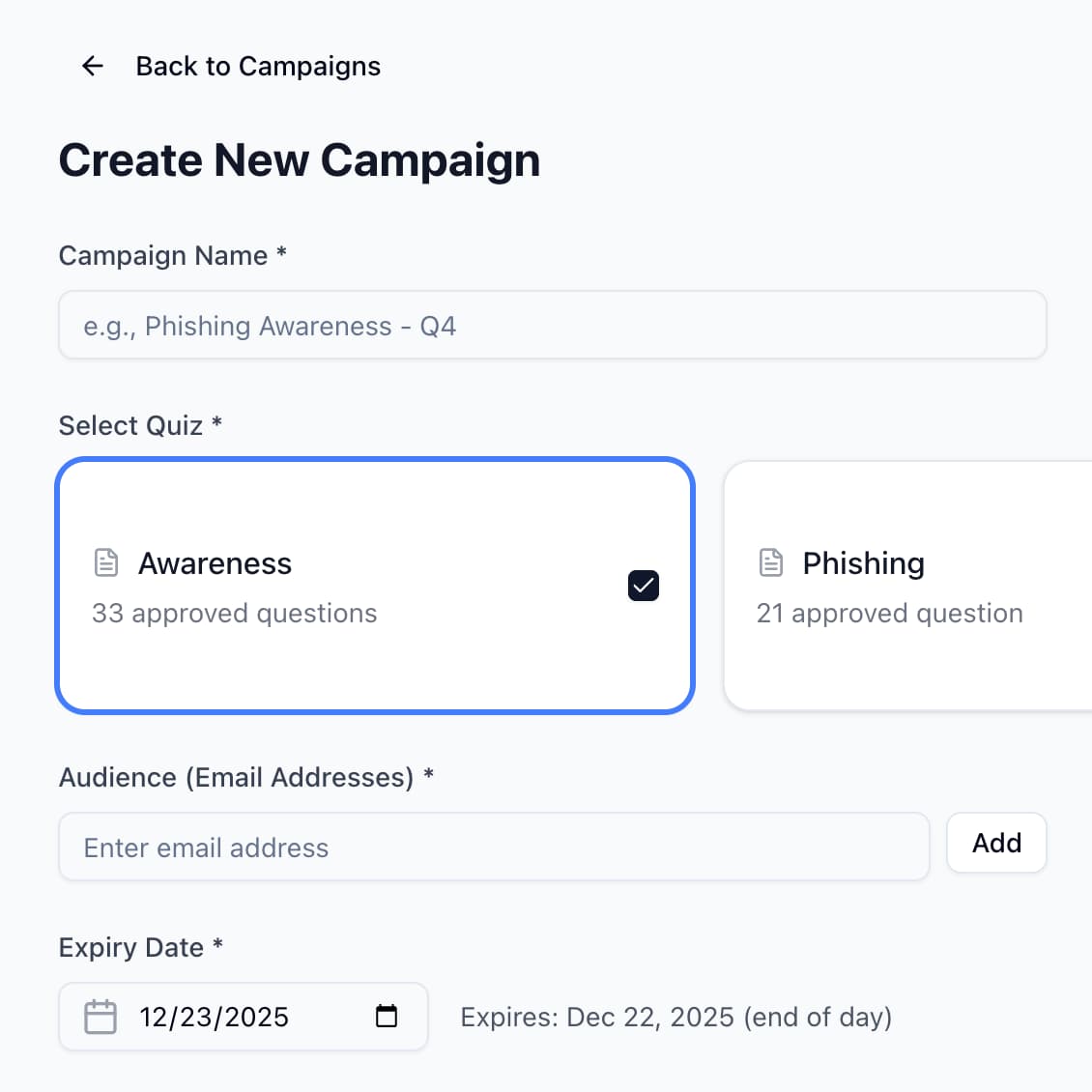
Choose the people or roles who need a campaign instead of assigning identical context to the whole organization.
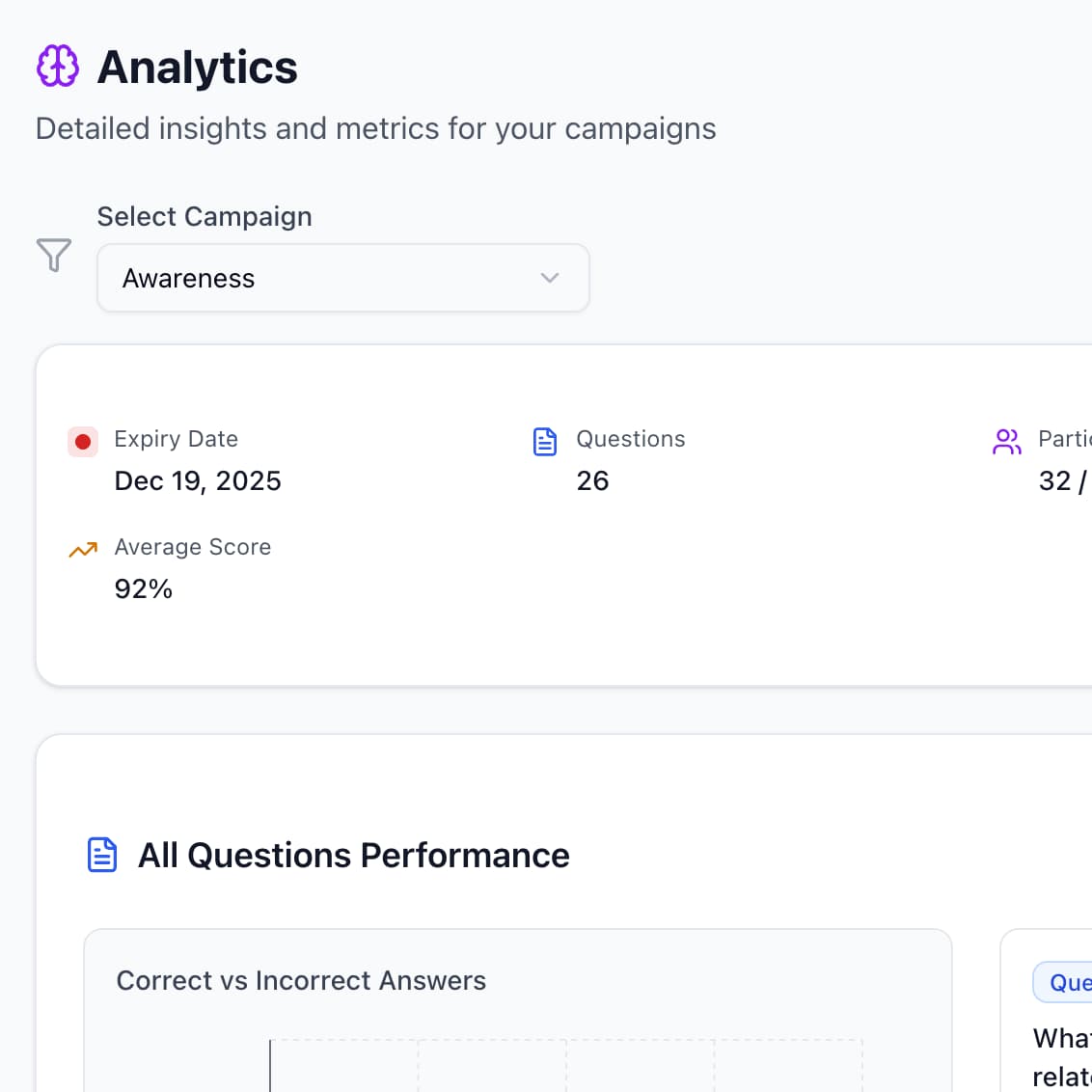
Comprehension analytics
Review participant results to identify questions and concepts that may need clarification. These are program signals, not guarantees of behavior or compliance.
Keep each organization’s people and learning activity in its own workspace.
Invite program owners and the participants who complete lessons.
Deliver assigned learning through the product’s current email workflow.
Role-specific outcomes
Keep lessons connected to approved policy text, review content before launch, and see where responses require follow-up.
For compliance teamsGive new hires and changing roles relevant policy context without assigning the same material to everyone.
For People OpsTurn acceptable-use and security policies into scenarios that reveal where practical judgment needs reinforcement.
Security and risk guidanceStart with a bounded audience, inspect participation and response patterns, and decide where the program should expand.
For executivesFor larger organizations
Define the policy, audience, reviewers, and rollout before launch. Then evaluate participant results and your organization’s procurement requirements with the OkayLoop team.
FAQ
See how the policy-to-learning workflow fits your audience, review process, and program requirements.