
Policy-based lesson creation
Turn your organization's approved policies into short draft lessons and questions.
OkayLoop converts approved policies into short, role-specific lessons, delivers targeted campaigns, and shows where comprehension breaks down.
The enterprise challenge
Policies change faster than annual training cycles.
Different roles need different context from the same policy.
Completion alone does not reveal where people are confused.
Program owners need a review step before content is assigned.
From policy to learning
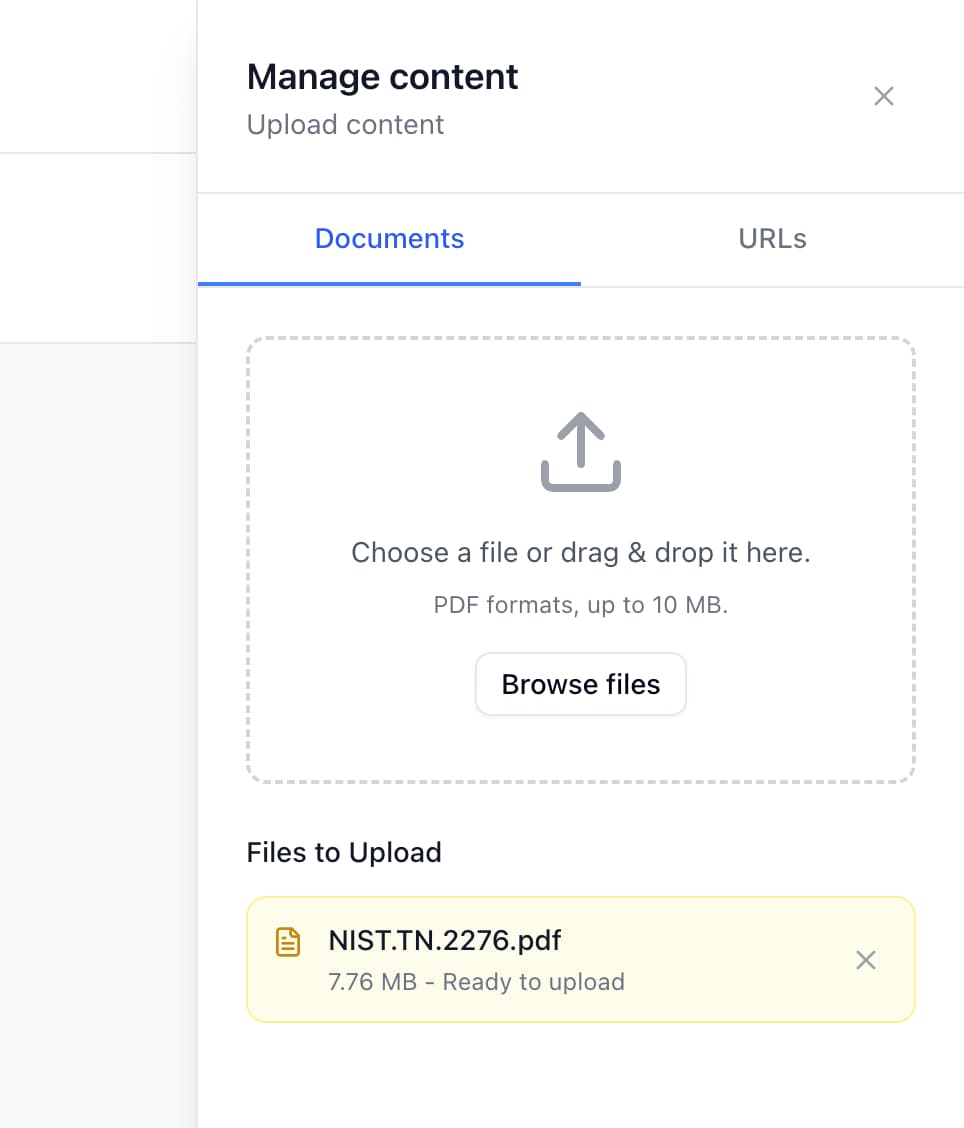
Choose a policy, guideline, or procedure your workforce needs to understand.
OkayLoop turns policy content into short learning material and practical questions.
A program owner reviews the generated content before it reaches participants.
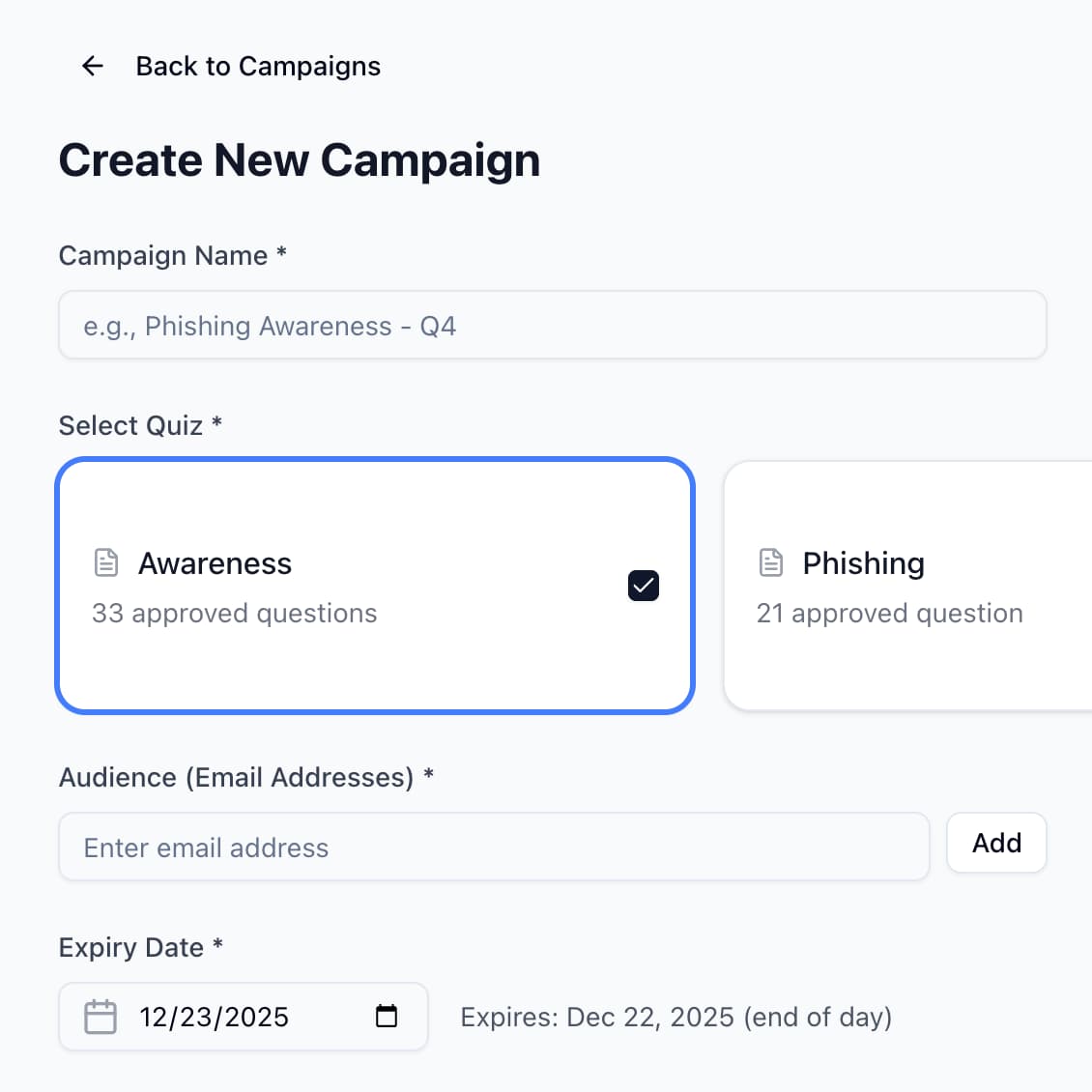
Assign the campaign to the relevant audience, then review participant responses and comprehension signals.
Available capabilities
These are current product capabilities. We do not present roadmap items or unverified integrations as available features.
Turn your organization's approved policies into short draft lessons and questions.
Review generated learning content and questions before assigning them to participants.
Deliver relevant lessons to defined audiences instead of sending identical training to everyone.
Keep each organization's people and learning activity within its own workspace.
Invite the people who manage programs and the participants who complete lessons.
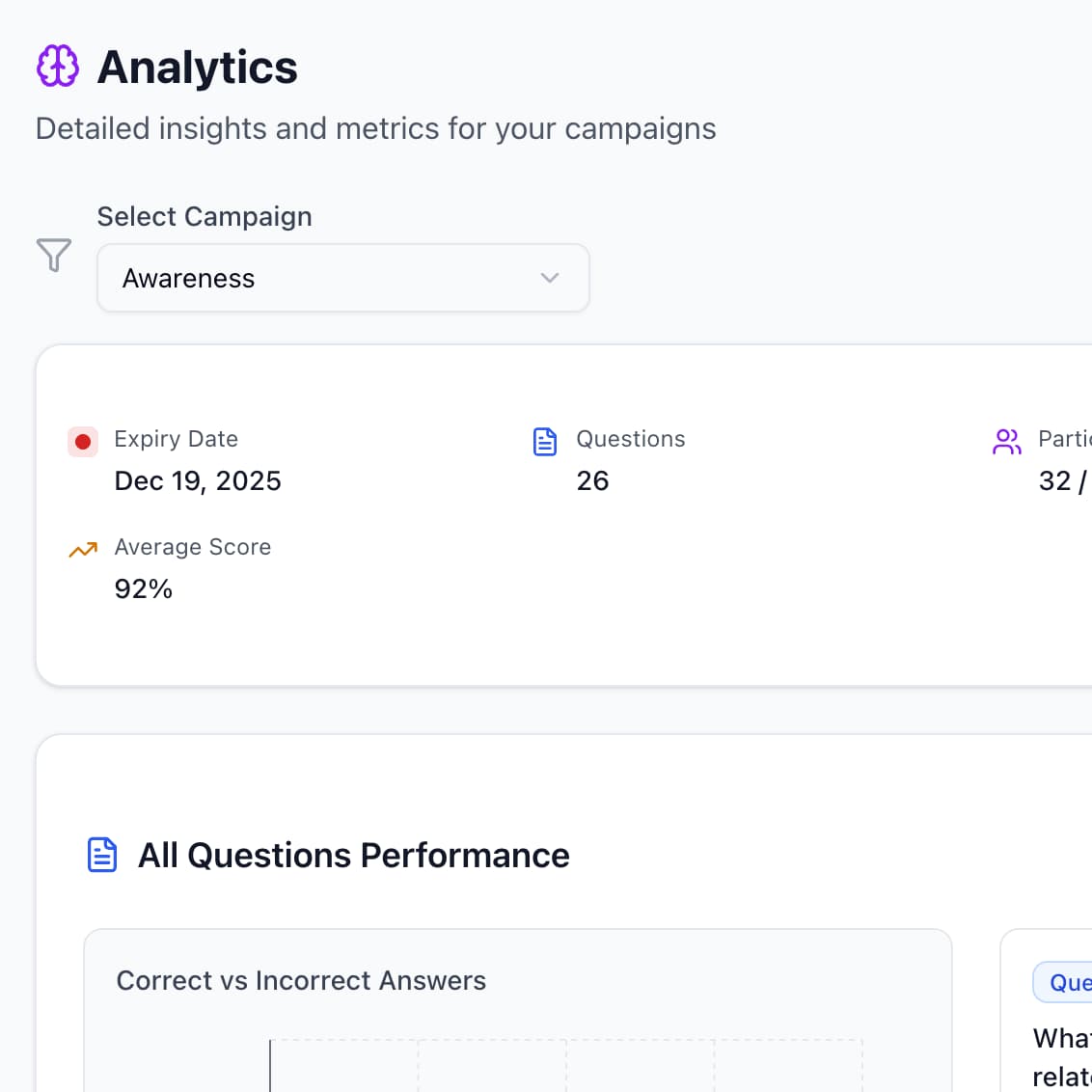
Review participant results and see where responses indicate gaps in understanding.
Reach participants through email without requiring a separate communication channel.
Governance before launch
Generated content is a draft. Your program owner can review the lesson and questions before selecting the audience and launching a campaign.
Participant results
Review participant results and comprehension analytics to find the concepts that need clearer explanation or reinforcement.
Deployment approach
A bounded first campaign lets your team review the workflow and participant experience before deciding how to expand.
Select one approved policy and a defined participant audience.
Agree on the learning objective and who will review generated content.
Prepare the lesson, review the questions, and make any needed edits.
Launch by email and inspect participant results before expanding the program.
Procurement questions
We’ll be direct about current product scope and distinguish it from future plans.
See the policy-to-learning workflow and discuss the requirements your organization needs to validate.